Docker & Kubernetes: A Developer's Practical Primer
Skipping the theory — here's the Docker and Kubernetes knowledge that actually matters when you're shipping a full-stack app to production.
Every developer hears 'containerise your app' but few resources explain why it matters beyond 'it works on my machine'. Here's the mental model that finally made Docker and Kubernetes click for me.
Docker in one paragraph
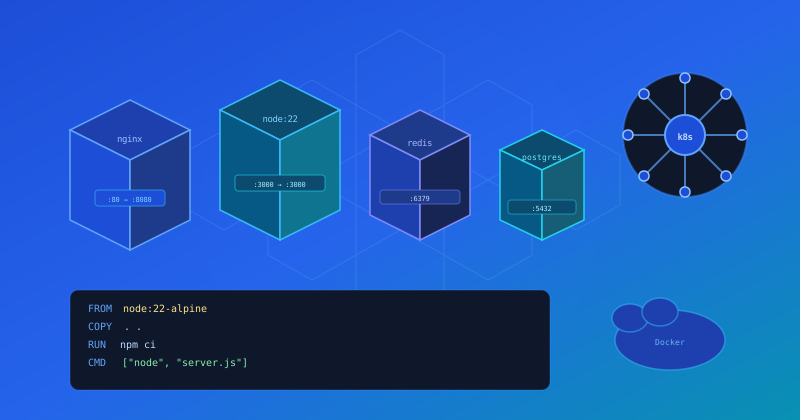
A Docker image is a snapshot of your app plus everything it needs to run — OS libraries, runtime, dependencies. A container is a running instance of that image. You ship the image, not the app. The image is immutable, reproducible, and version-controlled.
FROM node:22-alpine AS base
WORKDIR /app
COPY package*.json ./
RUN npm ci --omit=dev

FROM base AS runner
COPY --from=base /app/node_modules ./node_modules
COPY . .
RUN npm run build
CMD ["node", "server.js"]
Kubernetes in one paragraph
Kubernetes is a container orchestrator. You describe the desired state of your system (X replicas of this image, exposed on port 3000, with 512 MB RAM limit) and Kubernetes makes it so — scheduling containers across nodes, restarting failed ones, and rolling out updates with zero downtime.
- Pod — one or more containers sharing a network namespace
- Deployment — manages a replica set of pods, handles rollouts
- Service — stable DNS name + load-balancer in front of pods
- Ingress — routes external HTTP(S) traffic to services
“Kubernetes doesn't make your app simpler — it makes the operational complexity manageable at scale.”